

Setup
In Friday Studio, navigate to your space in the left sidebar and click Overview, then click the Info tab. Next, scroll down to the Communicators section and click Connect next to the platform you want. Paste the required credentials, and submit. Studio stores them securely and wires up the webhook for you.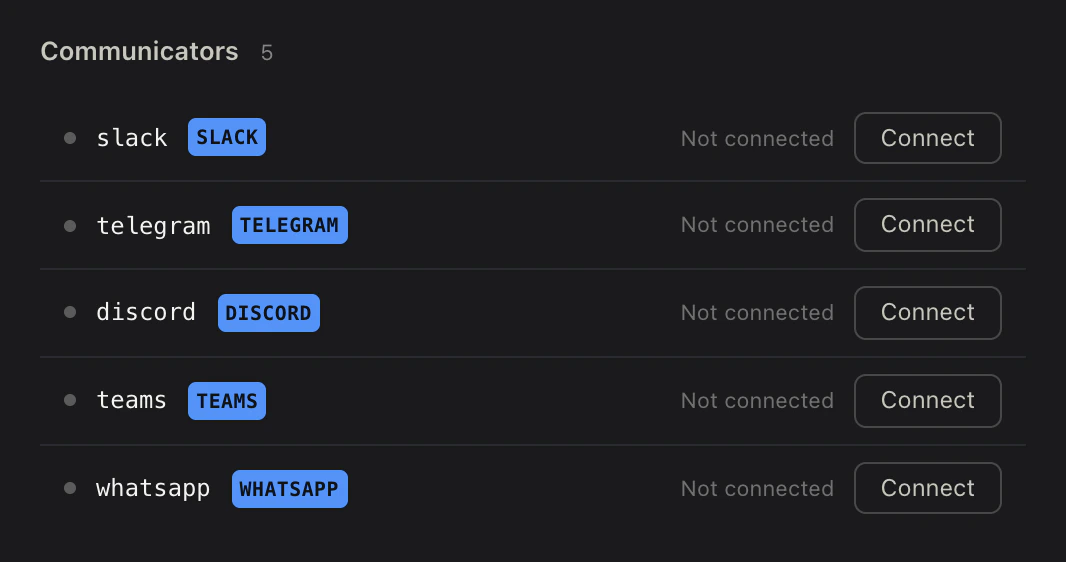
Platform Credentials
In the supported platform, create the bot and copy the credentials (bot token, signing secret, etc.). Each provider page walks through this:Configuration
Once connected, the space’sworkspace.yml records which communicators are active:
workspace.yml
What’s next
Slack
Connect a Slack app to a space for DMs and @mentions.
Discord
Connect a Discord bot to a space for DMs and @mentions.
Telegram
Connect a Telegram bot to a space for direct messages.
Connect a WhatsApp Business number to a space for customer chat.
Microsoft Teams
Connect a Microsoft Teams bot to a space for DMs and @mentions.